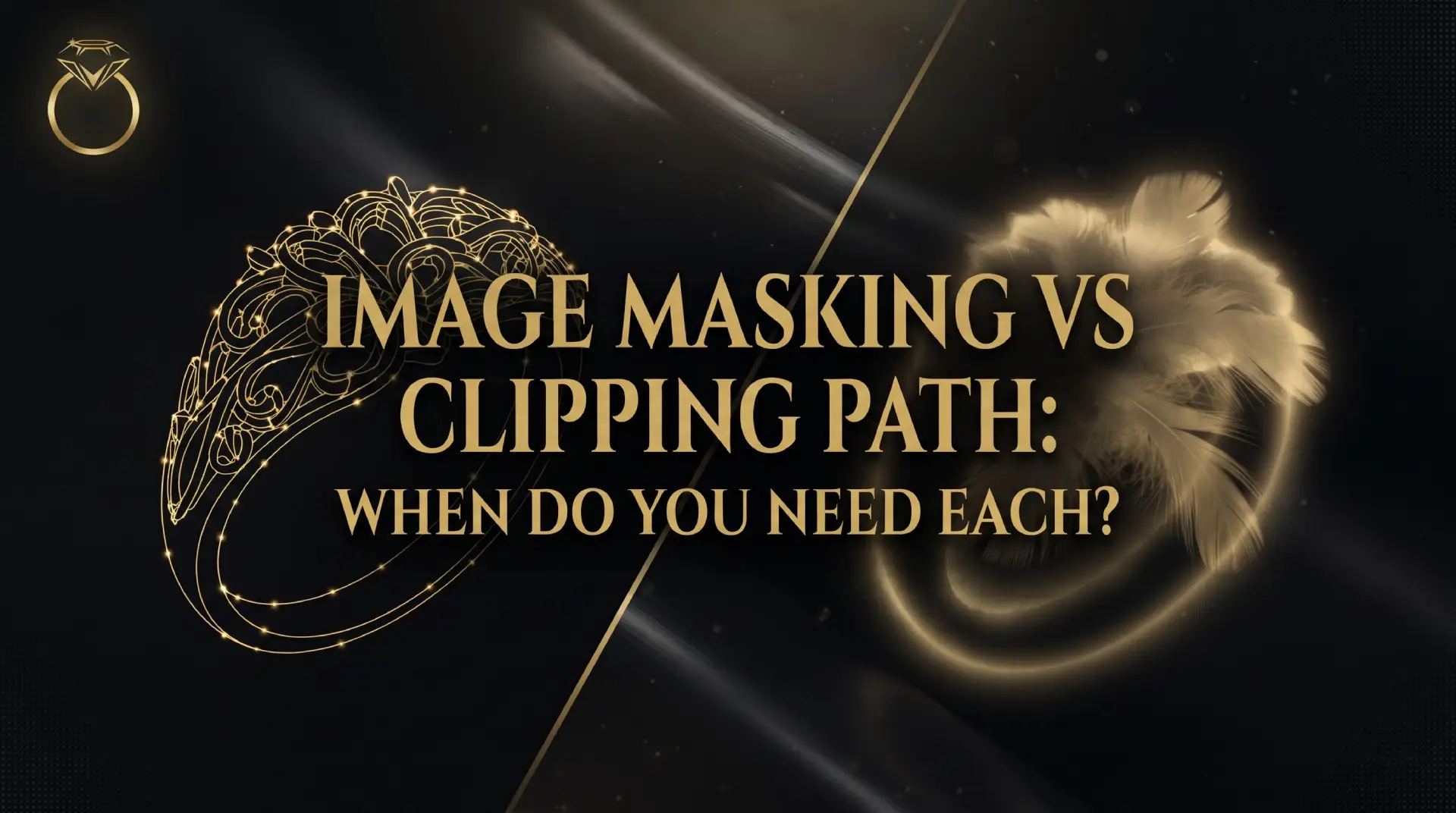
Removing a background from a product photograph sounds simple, but not every product has clean, clearly defined edges. Some objects have transparent sections, fine details, soft edges or complicated shapes that require a more advanced editing approach.
This is where image masking services and professional clipping path editing become important.
Both techniques help separate products from their original backgrounds, but they work differently and are suitable for different image types.
At Clipping Master Zone, we provide professional image editing solutions for e-commerce businesses, jewellery brands, photographers, retailers and online sellers who need clean and consistent product images.
Let’s understand how image masking and clipping path editing work and when you should choose each technique.
What Is Image Masking in Photo Editing?
Image masking is an image-editing technique used to isolate an object while preserving detailed, soft or partially transparent edges.
Unlike a basic clipping path, masking can handle areas where the subject does not have a simple, solid outline.
Professional editors use masking techniques in Adobe Photoshop to separate objects from their backgrounds without unnecessarily removing important details.
Image masking is particularly useful for:
- Hair and fur.
- Transparent glass products.
- Fine fabric and lace.
- Jewellery with delicate details.
- Objects with soft or irregular edges.
- Products with reflections and semi-transparent areas.
For example, removing the background from a photograph of a glass bottle can be challenging because the transparent sections may blend with the original background. Masking gives editors more control over these details.
Explore our Image Masking Services for professional image isolation and detailed edge refinement.
What Is a Clipping Path?
A clipping path is a vector outline created around an object to separate it from the background.
Professional editors commonly use the Pen Tool in Adobe Photoshop to draw a precise path around the product.
Once the path is completed, the selected object can be isolated, placed on a different background or prepared with a transparent background.
Clipping path editing is generally suitable for products with clearly defined edges.
Common examples include:
- Shoes and handbags.
- Electronics and accessories.
- Furniture and home products.
- Bottles and packaging with solid outlines.
- Watches and structured products.
- Jewellery with clearly defined outer edges.
Clipping paths provide precise control over product outlines and are widely used in commercial product photography.
Learn more about our Clipping Path Services for UK businesses.
Image Masking vs Clipping Path: Key Differences
Although both methods are used to separate objects from backgrounds, their editing approaches are different.
| Comparison | Image Masking | Clipping Path |
| Editing method | Uses layer masks and pixel-based selections | Uses vector paths |
| Edge handling | Suitable for soft, fine and complex edges | Best for clearly defined edges |
| Transparency | Can preserve partially transparent details | Not designed to reproduce subtle transparency by itself |
| Fine details | Suitable for hair, fur and delicate textures | Less suitable for very fine, irregular details |
| Product shapes | Useful for complex and irregular subjects | Effective for solid, defined product outlines |
| Common applications | Glass, fabric, hair and detailed objects | Shoes, bags, furniture and packaging |
| Editing control | Allows detailed control over selected and masked areas | Allows precise control over the outline |
The important point is that neither technique replaces the other. The right choice depends on the product, photograph and final image requirements.
When Do You Need Image Masking Services?
Professional image masking services are useful when a product contains details that cannot be accurately separated using a simple vector outline.
1. Hair and Fur Products
Photographs containing hair, fur or similar fine textures require careful background separation.
A clipping path may not preserve every strand because these details have irregular edges. Masking allows editors to retain more of the original texture.
2. Transparent Glass Products
Glass bottles, drinking glasses and transparent packaging can contain reflections, highlights and partially transparent areas.
Masking helps preserve these visual details while separating the object from its background.
3. Fashion and Fabric Photography
Clothing, lace, veils and other fabric products may have soft edges, folds and fine threads.
Professional masking can help retain these details during background removal.
4. Complex Jewellery Photography
Jewellery products may include delicate chains, gemstone settings, reflective surfaces and small gaps between components.
Depending on the photograph, editors may combine masking with clipping paths and retouching to achieve a cleaner result.
Explore our Jewellery Background Removal Services for specialist jewellery image editing.
5. Products with Soft or Irregular Edges
Some product photographs contain edges that are not suitable for a simple vector outline.
Masking can provide greater flexibility when separating these objects from their original backgrounds.
When Is Clipping Path Editing the Better Choice?
Professional clipping path editing is often the preferred option for products with clear, solid and well-defined outlines.
1. Shoes and Handbags
Most shoes and handbags have visible outer edges that can be outlined using the Pen Tool.
A carefully created clipping path helps isolate the product without changing its shape.
2. Electronics and Accessories
Mobile phones, headphones, computer accessories and other electronic products often have defined outlines.
Clipping paths can help prepare these products for clean e-commerce presentation.
3. Furniture and Home Products
Tables, chairs, cabinets and decorative products can benefit from accurate clipping path editing when their edges are clearly visible.
4. Packaging and Bottles
Boxes, containers and many types of product packaging have solid outlines that are suitable for clipping path work.
5. Large E-Commerce Product Catalogues
Businesses with large product catalogues often need consistent background removal across many images.
Clipping path workflows can help maintain uniform product outlines and backgrounds when the images are suitable for this technique.
For products requiring multiple isolated sections or colour-specific selections, explore our Multi Clipping Path Services.
Can Image Masking and Clipping Path Be Used Together?
Yes. In some photographs, using only one technique may not produce the desired result.
Professional editors can combine clipping paths and masking to handle different parts of the same product image.
For example:
- A clipping path can isolate the main body of a product.
- Masking can preserve fine or transparent details.
- Additional retouching can correct unwanted edges or background remnants.
- Colour adjustments can help maintain a natural product appearance.
Jewellery photography is one example where a combination of techniques may be useful because gemstones, metal reflections and delicate settings can require different editing approaches.
The goal is not simply to remove the background. It is to preserve the product’s important visual details.
Image Masking vs Background Removal: Are They the Same?
Not exactly.
Background removal describes the overall process of separating a subject from its original background.
Image masking and clipping path are two different techniques that can be used to achieve this result.
Other editing methods may also be required depending on the subject.
For example, a simple product photograph may only need a clipping path, while a glass object or photograph containing fine fabric details may require masking.
If your business needs complete background isolation rather than a particular editing technique, explore our Background Removal Services.
How to Choose the Right Image Editing Technique
Before selecting a technique, consider the following factors:
Product edges: Are the edges solid and clearly defined, or soft and irregular?
Transparency: Does the product contain glass, transparent materials or partially transparent details?
Fine details: Does the photograph include hair, fur, lace, chains or small intricate elements?
Final background: Will the product be placed on a white, coloured or transparent background?
Image purpose: Will the photograph be used on an e-commerce website, marketplace listing, product catalogue or advertising material?
Required accuracy: Does the image need detailed edge refinement to maintain its original appearance?
For straightforward products, clipping path editing may be sufficient. For complex edges and transparency, image masking is often more appropriate. Some images benefit from both.
Professional Image Masking and Clipping Path Services from Clipping Master Zone
At Clipping Master Zone, we help businesses prepare product photographs through professional image editing and background removal solutions.
Our services support different product categories, image types and e-commerce requirements.
Our image editing solutions include:
- Professional image masking.
- Clipping path editing.
- Multi clipping path editing.
- Product background removal.
- White background image preparation.
- Transparent background creation.
- Jewellery photo retouching.
- E-commerce product image editing.
We work with jewellery brands, online retailers, manufacturers, photographers, fashion businesses and creative agencies.
Our primary markets are the UK, USA and Romania, and we also serve clients worldwide.
Whether your photographs need precise clipping paths, detailed masking or a combination of techniques, Clipping Master Zone can help you prepare professional product images.
Visit our E-Commerce Photo Editing Services or contact our team to discuss your image editing requirements.
Frequently Asked Questions About Image Masking and Clipping Path
What is the main difference between image masking and clipping path?
Image masking uses layer masks and pixel-based selections to handle soft, fine and partially transparent edges. A clipping path uses a vector outline to isolate objects with clearly defined edges.
When should I use image masking instead of clipping path?
Use image masking when photographs contain hair, fur, transparent glass, fine fabric or other complex details that cannot be accurately separated with a simple vector outline.
Is clipping path better than image masking for product photography?
Clipping path editing is often suitable for products with solid, clearly defined outlines, such as shoes, bags, electronics and packaging. Image masking is more appropriate for soft, fine or transparent details.
Can image masking remove a white background?
Yes. Image masking can separate an object from a white background, just as it can from other background colours. The appropriate technique depends on the product’s edges and details.
Can clipping path and image masking be used together?
Yes. Professional editors can combine both techniques when an image contains clearly defined product edges as well as fine or transparent details.
Which technique is best for jewellery photo editing?
It depends on the jewellery design and photograph. Clipping paths may work for defined outlines, while masking can help preserve delicate chains, transparent gemstones and complex details. Additional retouching may also be required.
Does Clipping Master Zone provide professional image masking services in the UK?
Yes. Clipping Master Zone provides professional image masking, clipping path and background removal services for UK businesses, e-commerce sellers, photographers and brands. We also serve clients worldwide.
Final Thoughts
Image masking and clipping path editing both play important roles in professional product photography.
Clipping path is generally suitable for solid products with clear outlines, while image masking is more useful for fine details, soft edges and transparent objects.
Choosing the correct technique helps preserve product details and create cleaner images for e-commerce websites, catalogues and marketing materials.
If your business needs professional image masking services, clipping path editing or background removal, Clipping Master Zone is ready to help with your image editing requirements.