
Clean product images are essential for online businesses. Whether you sell jewellery, clothing, electronics, furniture or accessories, your product photographs should look professional and clearly show the item.
Removing unwanted backgrounds is one of the most common image-editing requirements. Today, online sellers can choose between automated background remover tools and professional clipping path editing.
But which option is better for your business?
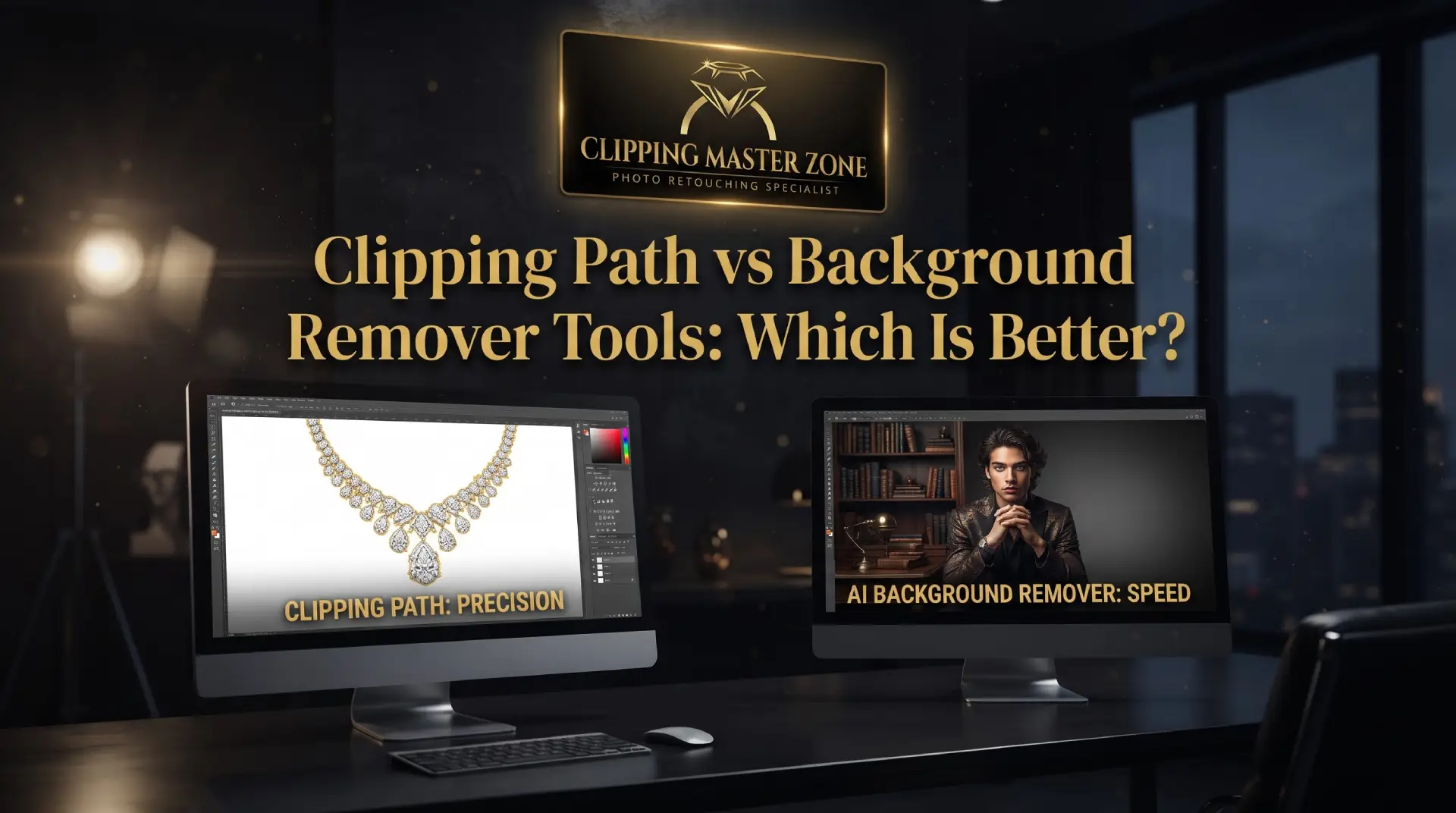
Automated tools can remove simple backgrounds quickly, while professional editing offers greater control over product edges, fine details and complex images.
At Clipping Master Zone, we provide professional background removal services UK for e-commerce businesses, retailers, photographers and brands that need accurate and consistent product images.
What Are Background Remover Tools?
Background remover tools are software applications or online platforms that automatically detect a product or subject and separate it from the background.
Many tools use artificial intelligence to identify the main object and remove the surrounding areas.
Their common features include:
- Automatic background detection.
- One-click background removal.
- White background replacement.
- Transparent background export.
- Basic edge refinement.
- Batch processing in selected tools.
These tools can be convenient when editing simple product photographs or handling a small number of images.
However, automatic results may not always be accurate, particularly when products have complicated edges, transparent materials or overlapping elements.
What Is Professional Clipping Path Editing?
A clipping path is a vector outline created around an object to separate it from its background.
Professional editors commonly use the Pen Tool in Adobe Photoshop to create precise paths around products.
Unlike fully automated background removal, manual clipping path editing gives the editor control over the object’s outline.
It is particularly useful for products with clearly defined edges, including:
- Shoes and handbags.
- Electronics and accessories.
- Furniture and home products.
- Packaging and containers.
- Jewellery with defined outlines.
- Fashion products with structured shapes.
For more complex images, editors may combine clipping paths with image masking and other retouching techniques.
Explore our Clipping Path Services to learn more about professional product isolation.
Clipping Path vs Background Remover Tools: Key Differences
Both methods can remove unwanted backgrounds, but their workflows and results can differ.
| Comparison | Automated Background Remover Tools | Professional Clipping Path Editing |
| Editing method | Automatic detection, often AI-powered | Manually created vector paths |
| Editing speed | Usually quick for simple images | Depends on product complexity |
| Edge control | Depends on the tool and image | Precise manual control |
| Complex product shapes | May produce inconsistent results | Can be handled with detailed editing |
| Fine details | May need manual correction | Can be refined by an experienced editor |
| Batch editing | Available in many tools | Can be organised for large image projects |
| Best suited for | Simple images and quick edits | Professional product image requirements |
Neither option is automatically the best for every photograph. The right choice depends on image complexity, required accuracy, budget and production volume.
When Are Automated Background Remover Tools a Good Choice?
Automated tools can be useful when speed and convenience are the main priorities.
1. Simple Product Photographs
Products with clear outlines and strong contrast against the background are often easier for automated tools to identify.
Examples include simple boxes, bottles, basic electronics and products photographed against plain backgrounds.
2. Small Editing Requirements
If you only need to remove the background from a few photographs, an online tool may be a convenient option.
3. Quick Social Media Graphics
Automated background removal can help prepare product cut-outs for social media posts, promotional graphics and basic marketing designs.
4. Initial Image Preparation
Businesses can use automated tools to create an initial cut-out before making further adjustments manually.
However, the final image should still be checked for missing details, rough edges and unwanted background remnants.
When Should You Choose Professional Background Removal Services?
Professional background removal services UK are more suitable when image accuracy and consistency are important.
1. Complex Product Edges
Some products contain curves, narrow gaps, overlapping sections and complicated outlines.
Manual editing allows greater control over these areas.
2. Jewellery and Reflective Products
Jewellery often includes diamonds, gemstones, polished metal and intricate settings.
Automated tools may struggle with reflections, transparent stones and small details. Professional editors can use a combination of clipping paths, masking and retouching techniques depending on the image.
Explore our Jewellery Background Removal Services for specialist jewellery image editing.
3. Transparent and Fine Details
Objects such as glassware, transparent packaging, fine fabric and products with delicate edges may require image masking rather than a standard clipping path.
Our Image Masking Services support image isolation where more detailed edge treatment is required.
4. Large E-Commerce Product Catalogues
Online retailers often need hundreds or thousands of images edited with consistent backgrounds and product presentation.
A professional editing workflow can help maintain consistent results across a product catalogue.
5. Marketplace Image Preparation
Businesses selling through Amazon, Shopify, Etsy and other platforms may need images that follow specific presentation guidelines.
Professional editing can help prepare images, but sellers should always check the latest requirements of their chosen marketplace.
Explore our Amazon Image Editing Services for marketplace-focused image preparation.
Can AI Background Remover Tools Replace Professional Photo Editors?
AI background removal has made image editing more accessible, but it does not eliminate the need for professional editing in every situation.
Automated tools are useful for straightforward images. However, they can sometimes:
- Remove small parts of a product.
- Leave unwanted background pixels around edges.
- Create rough outlines around complex shapes.
- Misinterpret transparent or reflective materials.
- Remove spaces between product components.
- Produce inconsistent results across similar images.
Professional editors can review and correct these issues, refine edges and apply additional adjustments where required.
For businesses that need accurate product presentation, automated tools and professional editing can also work together. AI can handle initial processing, while an editor checks and refines the final result.
Background Removal vs Clipping Path: Which Technique Do You Actually Need?
It is important to understand that background removal and clipping path are not exactly the same thing.
Background removal describes the result of separating a subject from its original background. A clipping path is one technique used to achieve that result.
Other techniques may be more suitable for particular products.
| Product or Image Type | Recommended Editing Approach |
| Simple boxes and packaging | Clipping path or automated removal |
| Shoes and handbags | Professional clipping path |
| Jewellery with defined outlines | Clipping path with detailed retouching |
| Hair and fur | Image masking |
| Glass and transparent objects | Advanced masking and manual refinement |
| Complex fashion products | Clipping path and image masking as needed |
Choosing the correct technique helps achieve a cleaner result without damaging important product details.
How Clipping Master Zone Helps UK Online Sellers
At Clipping Master Zone, we help businesses prepare clean and consistent product images for e-commerce websites, marketplaces, digital catalogues and marketing materials.
Our background removal services UK support different product categories and editing requirements.
Our image-editing services include:
- Professional clipping path editing.
- Complex and multiple clipping paths.
- White background image preparation.
- Transparent background creation.
- Image masking.
- Product photo retouching.
- E-commerce image editing.
We work with jewellery brands, fashion businesses, online retailers, manufacturers, photographers and creative agencies.
Our primary markets are the UK, USA and Romania, while we also accept projects from clients worldwide.
If your product images need more accurate background removal than automated tools can provide, explore our Background Removal Services or contact Clipping Master Zone to discuss your requirements.
How to Choose the Right Background Removal Solution
Before selecting a background removal method, consider these practical questions:
How complex are your products? Simple shapes may work well with automated tools, while detailed products may require manual editing.
How accurate must the edges be? Product catalogue images often need careful edge refinement.
How many images do you need to edit? Consider both processing speed and consistency across the full project.
Do your images contain transparent or reflective materials? These may require advanced masking techniques.
Where will the images be used? Website product pages, marketplace listings, catalogues and advertising graphics may have different requirements.
Can you check the final results? Always review edited images at full size before publishing them.
Frequently Asked Questions About Background Removal Services
What is the difference between clipping path and background remover tools?
A clipping path uses a manually created vector outline to isolate an object. Background remover tools generally use automated detection, often powered by AI, to identify and separate the subject. Professional clipping paths offer greater manual control over defined product edges.
Are AI background remover tools good for e-commerce product images?
They can work well for simple product photographs with clear outlines. However, complex edges, transparent materials and intricate details may require manual correction or professional editing.
Is professional background removal better than automatic background removal?
Professional editing is often more suitable when accuracy, edge quality and consistency are important. Automatic tools can be convenient for simple images, but the best option depends on the product and intended use.
Which background removal method is best for jewellery images?
Jewellery images may require clipping paths, image masking and additional retouching depending on the product. Reflective metals, diamonds and transparent gemstones often need careful manual refinement.
Can background remover tools create transparent product images?
Yes. Many tools support transparent PNG exports. The final result should be checked to ensure that product edges and important details have been preserved.
Can I use professional background removal for Amazon and Shopify images?
Yes. Professional background removal can help prepare product images for Amazon, Shopify and other e-commerce platforms. The final images must still comply with each platform’s current image requirements.
Does Clipping Master Zone provide background removal services in the UK?
Yes. Clipping Master Zone provides professional background removal, clipping path and image masking services for UK e-commerce businesses, retailers, photographers and brands. We also serve clients worldwide.
Final Thoughts
Automated background remover tools are convenient for simple image-editing tasks, while professional clipping path and masking techniques offer greater control for detailed product photographs.
For UK e-commerce sellers, the right solution depends on product complexity, image quality, editing volume and the level of accuracy required.
Clipping Master Zone provides professional background removal services UK, clipping path editing and image masking to help businesses create clean, consistent product images. Contact our team to discuss your image-editing requirements.